

Units of Measure
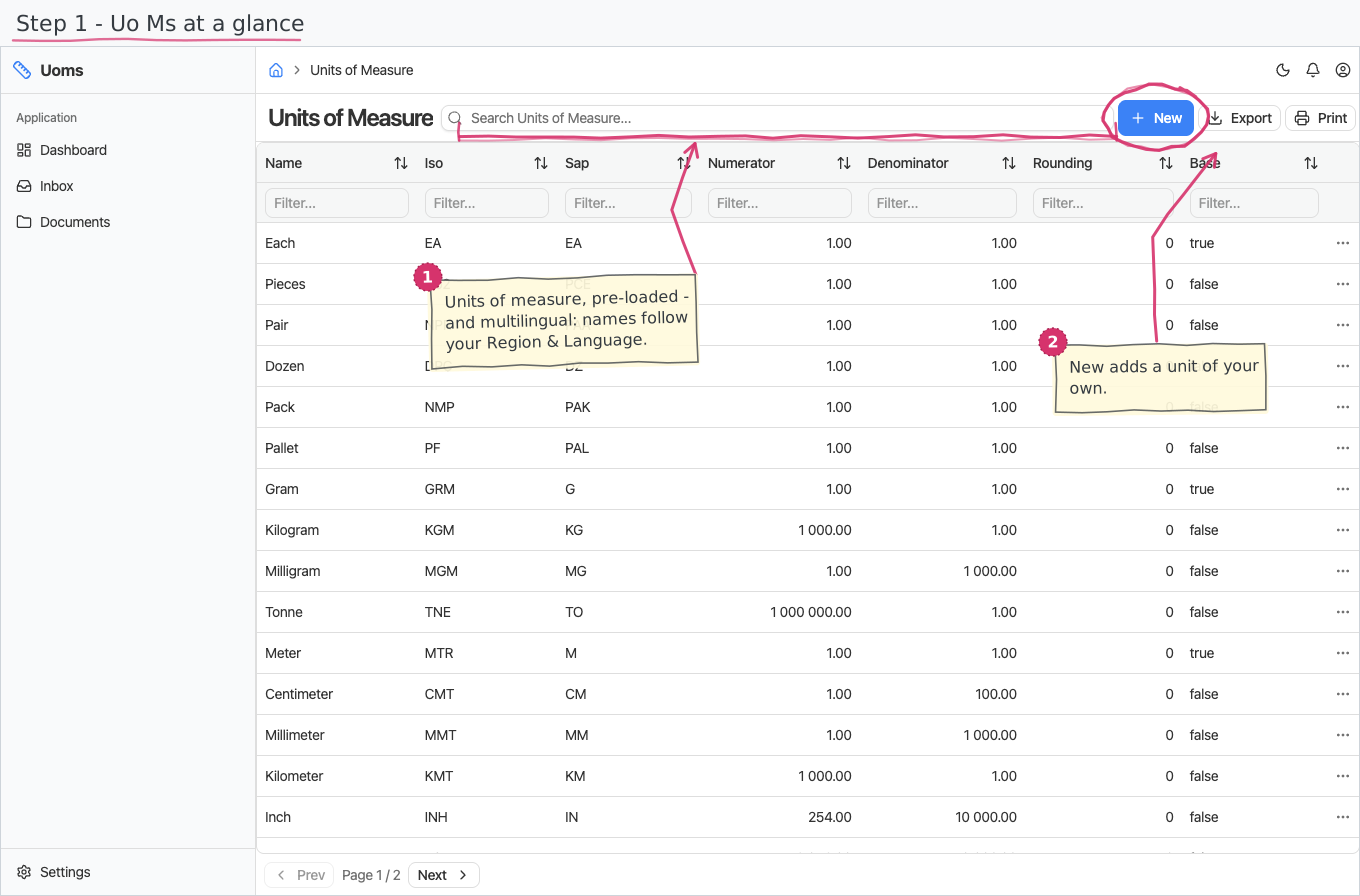
The unit-of-measure registry: pieces, kilograms, hours and friends — the units your products and document lines are counted in, with their standard codes and conversion factors.
Where you find it: the Registries sidebar group. Bundled in Construction, Logistics, Professional Services, Retail and Wholesale; shown by every lens that includes the Registries group (Billing, Purchase, Store, Accounting).
The tour in pictures
What you can do
Units of Measure
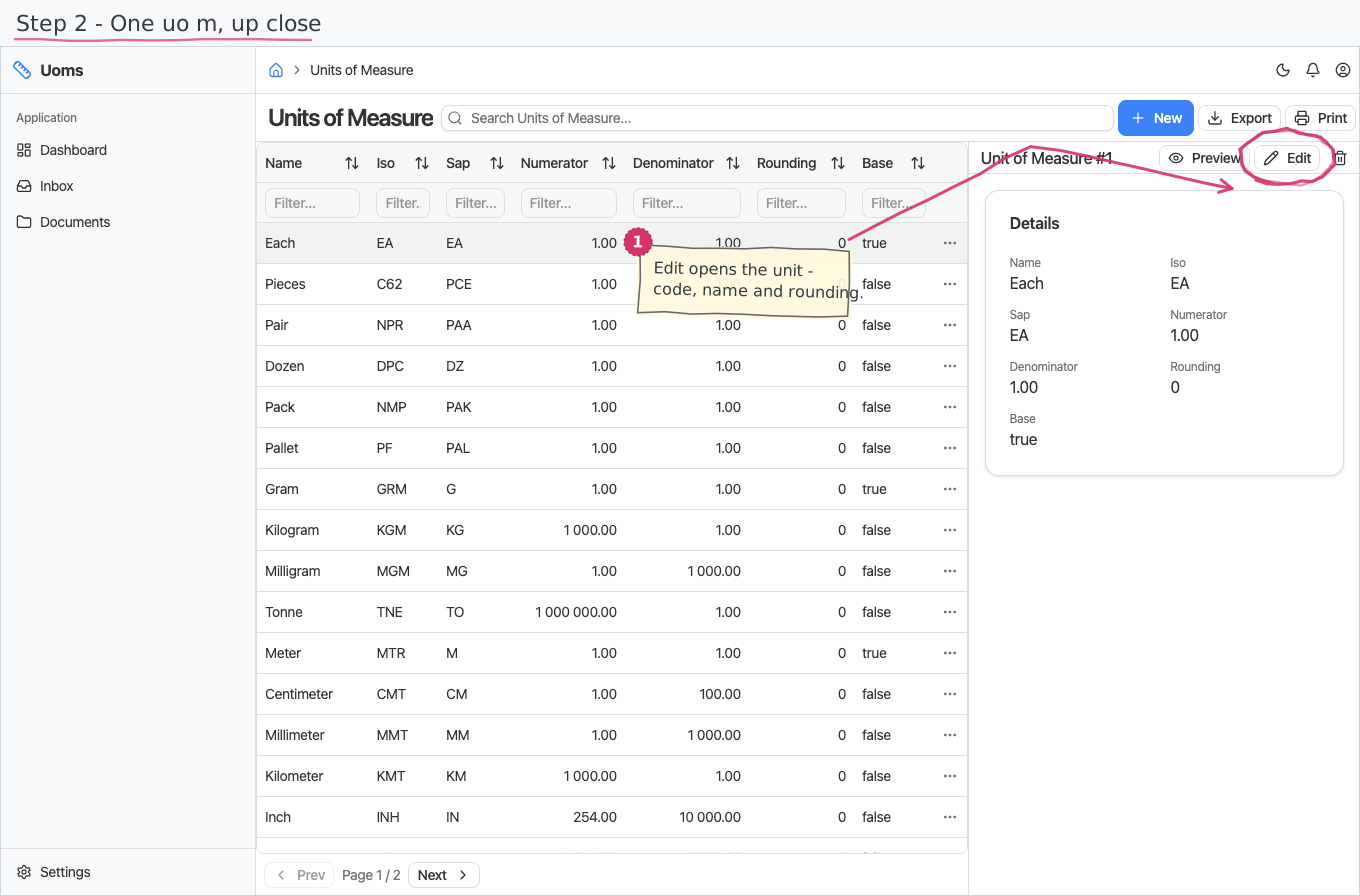
One row per unit:
- Name — what users see in dropdowns (Kilogram, Hour). Names are multilingual (translated per the UI language).
- ISO and SAP codes — the standard interchange codes (e.g. C62 / PCE for pieces); they stay language-neutral.
- Numerator / denominator — the conversion factor relative to the base unit of the same kind.
- Rounding — how many decimal places quantities in this unit use (0 for pieces, more for weights and volumes).
- Base — flags the base unit.
Reports & dashboard
None — this is a plain registry.
Settings
No dedicated entries; the registry above is the module's whole surface.
Shipped data
The reference-data companion preloads 27 units covering counting (Each, Pieces, Pair, Dozen, Pack, Pallet), weight (Gram → Tonne), length and area (Millimeter → Kilometer, Inch, Foot, Square/Cubic meter), volume (Liter, Milliliter), time (Second → Day) and more — every one with a Bulgarian name translation.
Works together with
- Products — each product carries a default unit picked here.
- Document lines (invoices, orders, store documents) show quantities in a unit from this registry — typically pre-filled from the product's default.