

Payment Methods
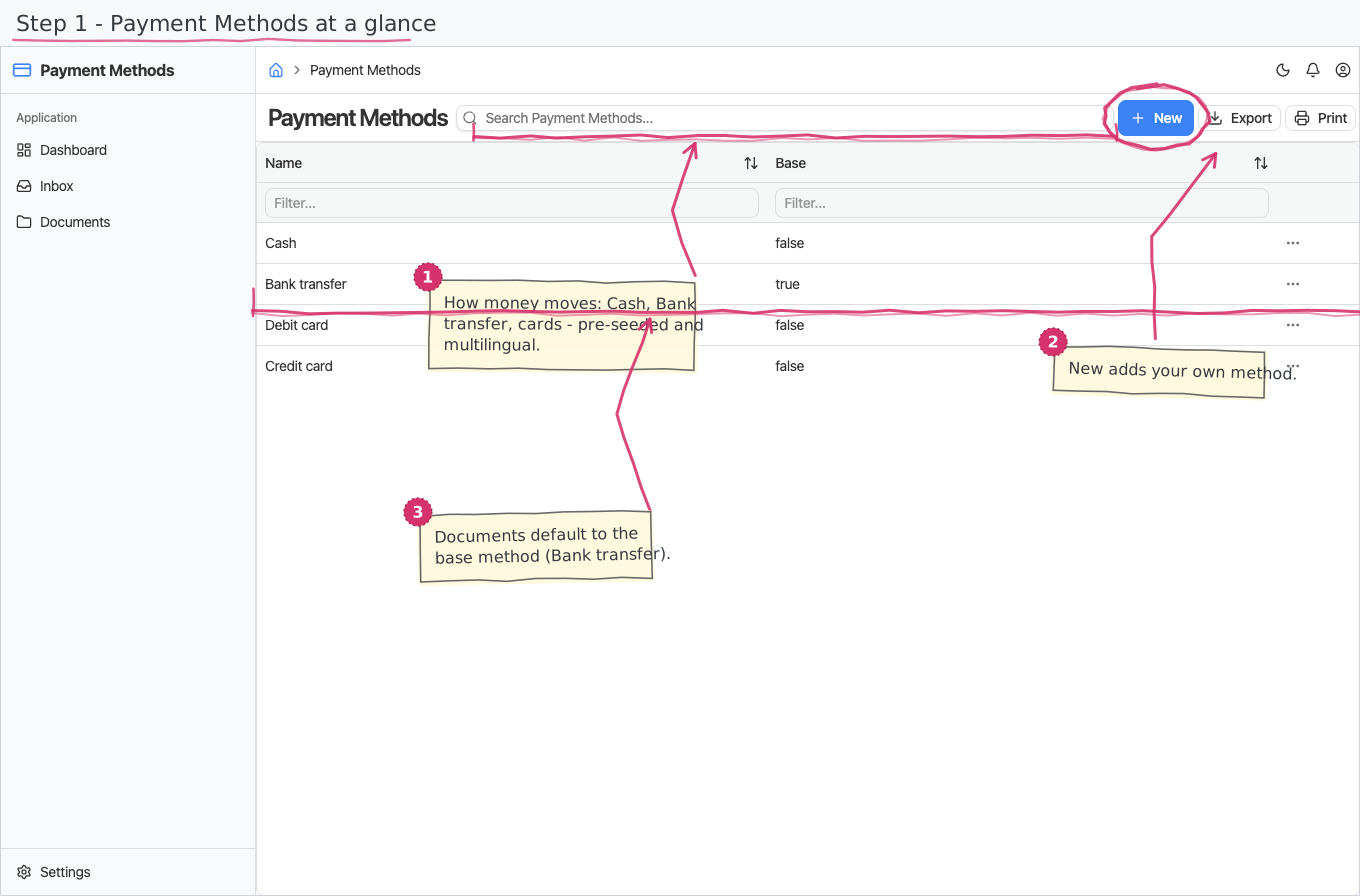
The payment-method nomenclature — how money moves (cash, bank transfer, card) — shared by every document that records or expects a payment.
Where you find it: the Registries sidebar group. Bundled in Construction, Logistics, Professional Services, Retail and Wholesale; shown by every lens that includes the Registries group (Billing, Purchase, Store, Accounting).
The tour in pictures
What you can do
Payment Methods
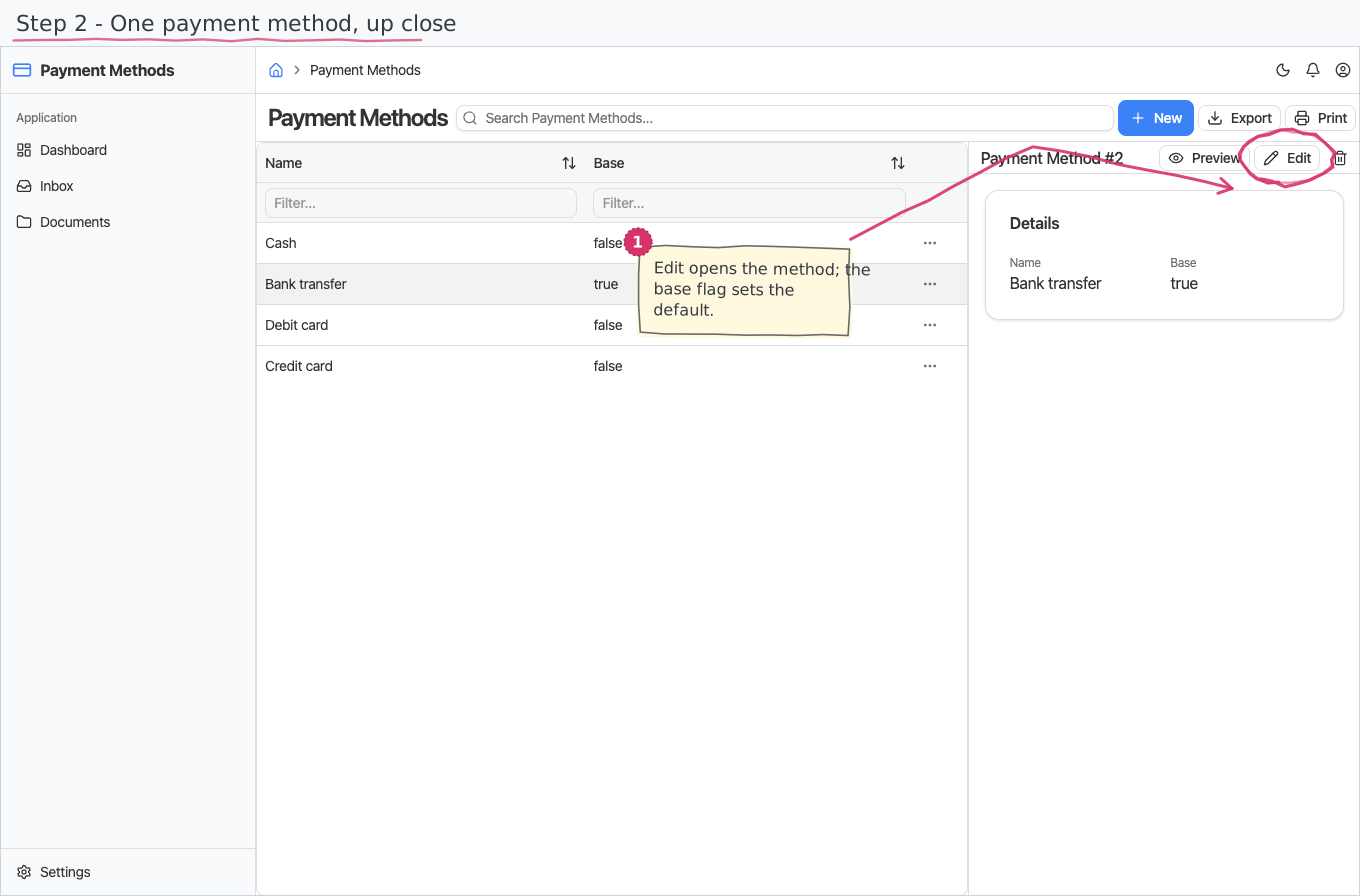
The simplest of registries — each method has:
- Name — what users see in the payment-method dropdowns. Names are multilingual (translated per the UI language).
- Base — the default method: new documents start with it pre-selected.
Add your own methods (voucher, PayPal, …) or rename the shipped ones; the dropdowns everywhere pick up the change.
Reports & dashboard
None — this is a plain registry.
Settings
No dedicated entries; the registry above is the module's whole surface.
Shipped data
Four methods are pre-seeded (Bulgarian names ship as translation data): Cash, Bank transfer — the default, Debit card and Credit card.
Works together with
- Sales invoices, expenses and the other paying/paid documents across the suite carry a Payment method picked here — pre-filled with the base method (Bank transfer out of the box).