

Tax Rates
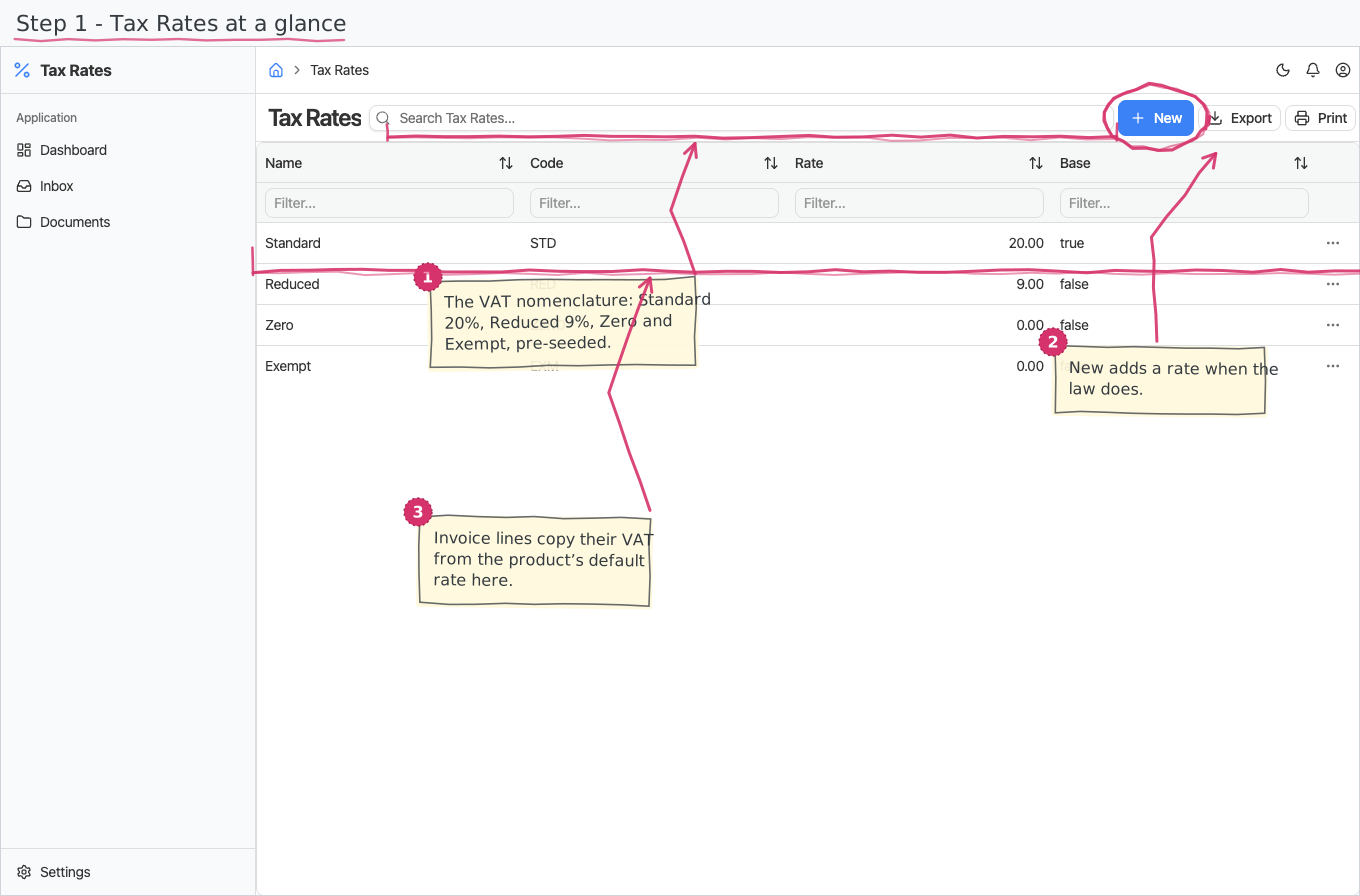
The VAT nomenclature: the tax rates your documents calculate with, one of which is the default that new document lines start from.
Where you find it: the Registries sidebar group. Bundled in Construction, Logistics, Professional Services, Retail and Wholesale; shown by every lens that includes the Registries group (Billing, Purchase, Store, Accounting).
The tour in pictures
What you can do
Tax Rates
One row per rate:
- Name — what users see in the rate dropdowns (Standard, Reduced). Names are multilingual (translated per the UI language).
- Code — a short unique code (STD, RED).
- Rate — the percentage, e.g. 20 for 20%; document lines apply it to the net amount.
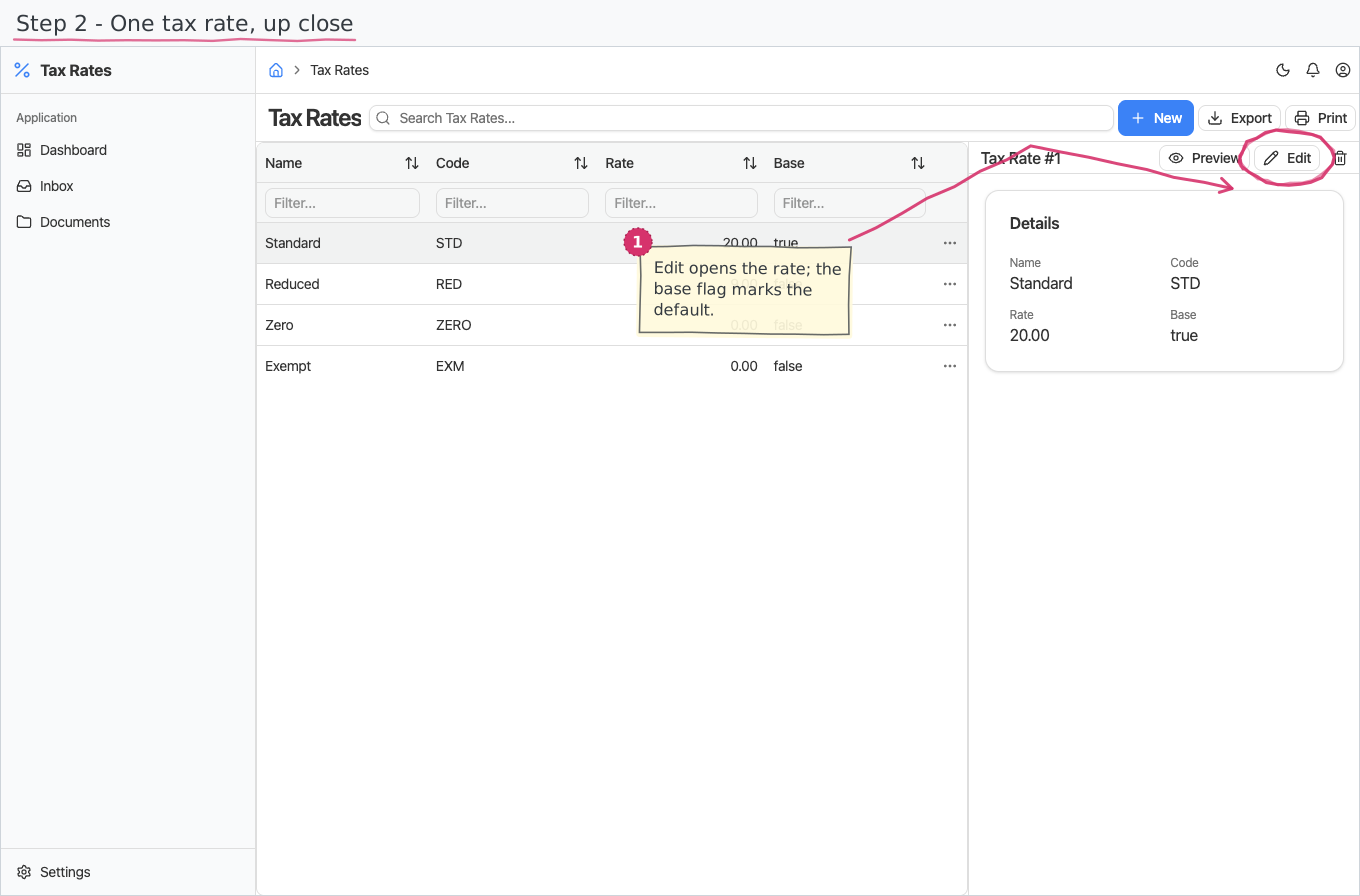
- Base — the default rate: new document lines start with it until you pick another.
Changing a rate here changes what future document lines calculate with; picking a different rate on a specific line always stays possible.
Reports & dashboard
None — this is a plain registry.
Settings
No dedicated entries; the registry above is the module's whole surface.
Shipped data
The Bulgarian VAT nomenclature is pre-seeded, with Bulgarian translations:
| Name | Code | Rate | |
|---|---|---|---|
| Standard | STD | 20% | the default |
| Reduced | RED | 9% | tourism, books |
| Zero | ZERO | 0% | |
| Exempt | EXM | 0% |
Works together with
- Products — a product carries a default tax rate; picking the product on a document line copies it in.
- Document lines (sales invoices, purchase documents, expenses) compute their VAT from the line's rate — the base rate here is what a fresh line starts with.